Dave's Hot Chicken Delivery: DoorDash vs Uber Eats & How to Save
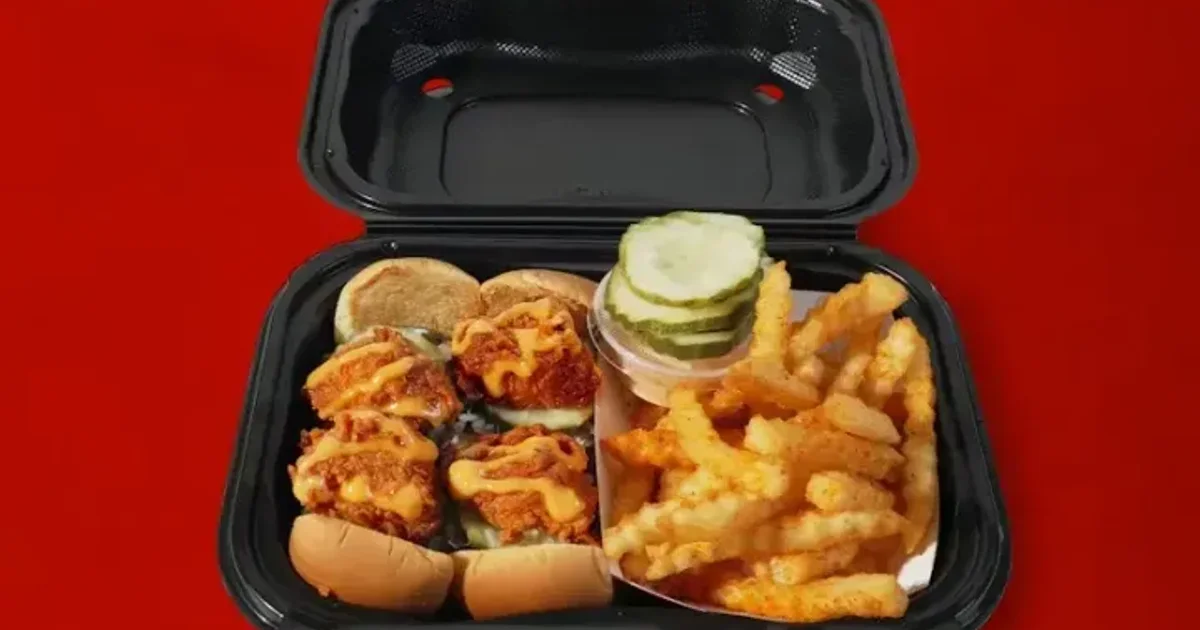
Craving Dave's but not the drive? You've got options — DoorDash, Uber Eats, Grubhub, and Dave's own app all deliver. The catch nobody mentions is what delivery quietly costs you: fees, a menu markup, and the rewards points you leave on the table. Here's how to get Dave's delivered, what it really costs, and the smart way to order.
That's the gist. Below: every way to get it delivered, the true cost breakdown, how to cut the fees, the pickup-vs-delivery math, and whether Dave's even travels well. Let's get you fed.
How to get Dave's Hot Chicken delivered
There are really two routes, and they end up in the same place:
- Third-party apps — DoorDash, Uber Eats, and Grubhub all carry Dave's at participating locations. Enter your address, pick the nearest store, build your order, done.
- Dave's app or website — you can also order delivery directly through the Dave's Hot Chicken app; behind the scenes it usually hands the delivery off to one of those same courier networks.
Availability varies by location — not every store partners with every app, and delivery radius depends on how close you are. If one app says "too far," try another; coverage differs.
What delivery actually costs
The menu price is only the start. On a typical delivery order you're layering on:
- Delivery fee — usually $2.99–$5.99, based on distance and demand.
- Service fee — a percentage of your subtotal the app adds on top.
- Menu markup — third-party apps often list higher item prices than in-store, so the food itself costs more before any fees.
- Tip — for your driver, on top of everything above.
Add it up and a delivered Dave's order can run 25–40% more than the same order picked up. None of that makes delivery bad — convenience has a price — but it's worth knowing what you're paying for.
How to save on delivery
If you're going to deliver, cut the fees where you can:
- DoorDash DashPass — a monthly subscription that zeroes the delivery fee (and lowers service fees) on eligible orders. Worth it if you order more than a couple times a month.
- Uber One — Uber's equivalent membership, with $0 delivery fee on qualifying Uber Eats orders.
- Hit the order minimum — many free-delivery perks require a subtotal minimum, so ordering for two beats ordering solo.
- Compare apps — the same store can show different fees on DoorDash vs Uber Eats vs Grubhub on any given day. A 30-second check can save a few dollars.
Delivery vs pickup (and the rewards catch)
Here's the part that actually matters for regulars: ordering direct for pickup is free, faster, and it earns rewards — delivery apps usually don't. Dave's Frequent Fryer rewards give you points on orders placed directly with Dave's (in-store, app, or website). Order through a third-party delivery app and those points typically don't count.
So the smart move, if you can travel: order ahead in the app for pickup. You skip the line, pay no delivery fee or markup, and still bank points toward free food. Delivery is for when you genuinely can't leave — pickup is for when you can. Check your store's hours before you head out.
Does Dave's travel well?
Mostly yes, with caveats. Tenders and sliders hold up fine for a short delivery — the crust stays crisp-ish and the heat doesn't fade. The things that suffer are the fries (they steam in the bag and soften) and anything frozen: a slusher or shake won't survive a long trip. If you're delivering, lean into the chicken, ask for sauces on the side, and maybe skip the frozen drinks. For a big group order, the catering guide is the better route.
My honest take
The verdict: delivery is worth it for pure convenience, but pickup wins on every other metric — price, speed, freshness, and rewards. If you're settled in for the night, order through whichever app is cheapest that day and use DashPass or Uber One to kill the fee. If you can make the trip, order ahead in the app, grab it fresh, and let the points stack up.
Either way, decide your heat level before you check out, and browse the full Dave's Hot Chicken menu so you're not building an order in a hangry panic at the last minute. The chicken's worth the effort; just don't overpay for it if you don't have to.
Frequently asked questions
Does Dave's Hot Chicken deliver?
Yes. Dave's Hot Chicken delivers through DoorDash, Uber Eats, and Grubhub at participating locations, and you can also order delivery through the Dave's app or website (which hands the delivery off to those couriers). Availability and delivery radius vary by location, so if one app is out of range, try another.
How much is Dave's Hot Chicken delivery?
Expect a delivery fee of roughly $2.99–$5.99 depending on distance and demand, plus a service fee, a menu markup (third-party apps often price items higher than in-store), and a tip. Altogether a delivered order can run about 25–40% more than the same order picked up.
How can I save on Dave's Hot Chicken delivery?
Use a delivery membership like DoorDash DashPass or Uber One to waive the delivery fee on eligible orders, meet any order minimum, and compare DoorDash vs Uber Eats vs Grubhub since fees differ day to day. The biggest saver is ordering direct for pickup — it's free and still earns rewards points.
Do you earn rewards on Dave's Hot Chicken delivery?
Usually not through third-party apps. Dave's Frequent Fryer rewards earn points only on orders placed directly with Dave's — in-store, in the app, or on the website. Ordering via DoorDash, Uber Eats, or Grubhub typically doesn't earn points, which is a good reason to order direct when you can.
Does Dave's Hot Chicken travel well for delivery?
Tenders and sliders hold up well for a short trip and keep their heat. Fries soften in the bag, and frozen drinks like slushers and shakes don't survive a long delivery. If you're ordering delivery, lean into the chicken, ask for sauces on the side, and consider skipping the frozen drinks.